Post Title: Activate manual mode in the Toggl Chrome Extension
Your Question/Topic: Hello, I am trying the toggl chrome extension, its great to track time without going into UI but I am not able to figure out how to activate manual mode. In this Toggl Extension Post, I see in the post that the functionality is available:
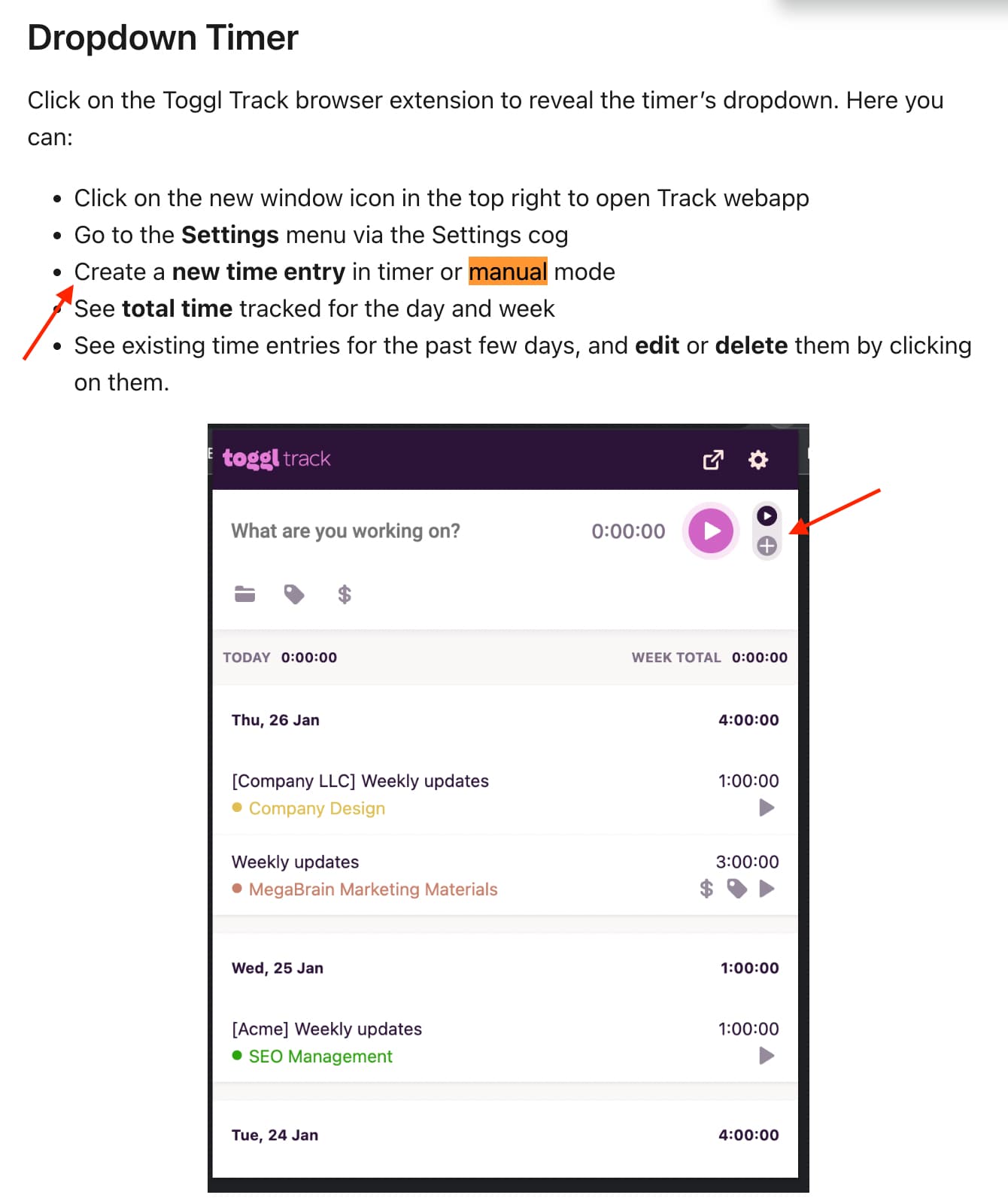
But in my view, I don’t see a way to switch to manual mode, it is like this:

Anyone know how (and if) the manual mode be activated? I checked all the settings and can’t seems to find anything relevant.
TIA